




















Vipganer App: vipganer APK: downloads and mobile access
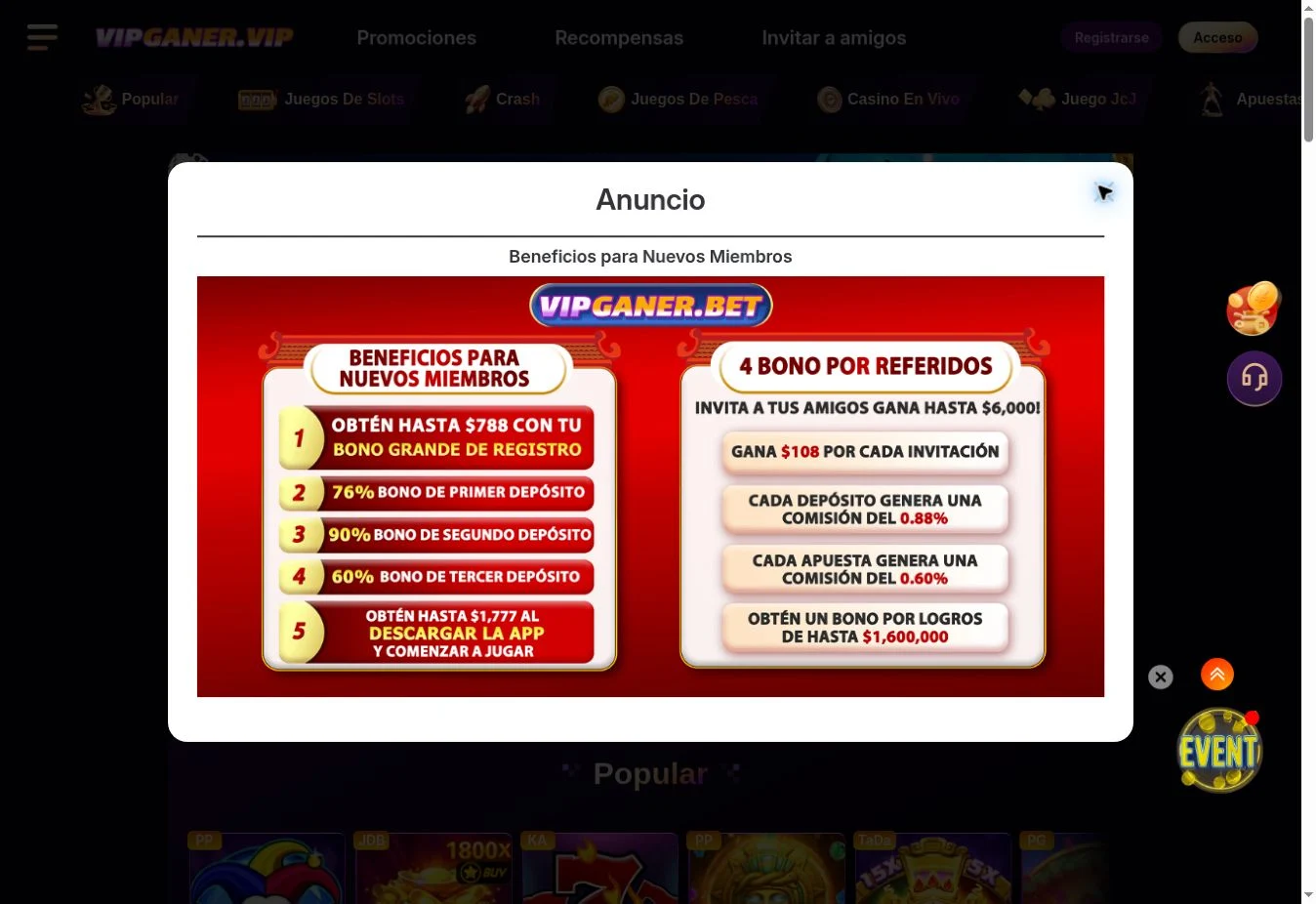
Vipganer can be opened in a mobile browser and advertises an app-download campaign with a reward of up to $1,777. Use the platform menu to reach the download and read that campaign’s rules before participating. The figure is a promotional ceiling, not an unconditional installation payment. Android and iPhone require different installation routes.
On Android, check the distributor, version and requested permissions. A casino app should not require permissions unrelated to its function. Avoid packages sent through groups or ads offering bonuses that differ from those in your account. If you allow your browser to install a package, revoke that permission afterwards and keep the device updated.
On iPhone and iPad, distinguish a native app from a home-screen browser shortcut. An Android APK does not work on iOS. Without a verifiable store listing, use the browser and avoid configuration profiles from unknown sources. Check the domain before logging in; a shortcut icon alone does not authenticate a website.
A mobile session requires two separate checks: that the page loaded and that the bet was recorded. If you switch from Wi-Fi to mobile data during a round, check history before repeating the stake. Keep recovery email or phone accessible and log out on shared devices. A home-screen shortcut does not change game or bonus rules.
- Open the checked destination in your mobile browser.
- Find the download section and verify the distributor.
- Inspect permissions and version before installing.
- Check navigation and account recovery before depositing.
For more detail, read Register with Vipganer. Before continuing, check Vipganer login.
Logging in and recovering access
To sign in to Vipganer, use Login in the header and check the identifier requested by the form. Username, email and phone are not necessarily interchangeable. Use the identifier chosen at registration and the password recovery route if needed; creating another account does not recover the previous balance.
If the password fails, check your keyboard, capital letters and spaces introduced when copying. Use the service’s recovery option, complete identity checks through its secure channel and wait before repeating requests. Do not give passwords, one-time codes or remote access to someone messaging you privately. Support does not need you to publish those details.
A blank screen does not establish that your account is suspended. Loading failures, blocked resources or browser incompatibility may cause it. Update the browser, check another ordinary connection and consult support notices. Clearing site data requires logging in again. Do not use an unfamiliar numbered domain or a VPN to bypass territorial restrictions.
- Check the domain and requested login field.
- Use the service’s recovery option for a forgotten password.
- Keep the error message without exposing personal details.
- Log out on shared devices.
For more detail, read Vipganer access. Before continuing, check Register with Vipganer.
Vipganer 14, 29, 38, 56 and 88: what the number means
The lobby and promotions access used here is www.38vipganer.com. Searches also include numbers such as 14, 29, 56 and 88. Do not treat these variants as interchangeable without a service announcement. Use your saved access, check the full address and follow domain changes communicated within the platform.
Logos, colours and similar forms can be copied. Check the complete domain rather than the word Vipganer alone. Compare the destination with your previously confirmed channel and ask support inside the account. HTTPS encrypts the connection but does not independently establish authorisation or guarantee payment.
If your usual access does not load, check the connection and browser before changing addresses. Keep your account identifier and latest transaction reference for support. Do not enter your password on random pages: confirm the domain through your established channel. An alternative access should preserve the same account history rather than require a new account to recover funds.
- Read the entire domain before entering details.
- Confirm changes through your known support channel.
- Avoid pages demanding a deposit to restore access.
For more detail, read Vipganer login. Before continuing, check Vipganer reliability.
Android, iPhone and browser
| Option | Access | Detail |
|---|---|---|
| Android | Download through Vipganer menu | Check distributor and permissions. |
| iPhone / iPad | Browser; native listing if supplied in menu | An APK does not install on iOS. |
| Home-screen shortcut | Add through browser menu | A web shortcut is not a native app. |
| App campaign | Promotions → download | Advertised up to $1,777; separate eligibility and terms. |